iPod Classic & iPod Nano Being Phased Out By Apple?

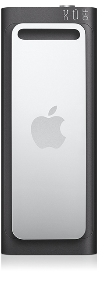
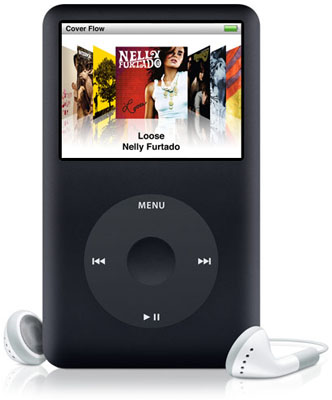
Latest reports hint that Apple are trying to slowly phase out the iPods that feature the trademark Click Wheel. It seems strange as they just re-released the iPod Nano with video support.
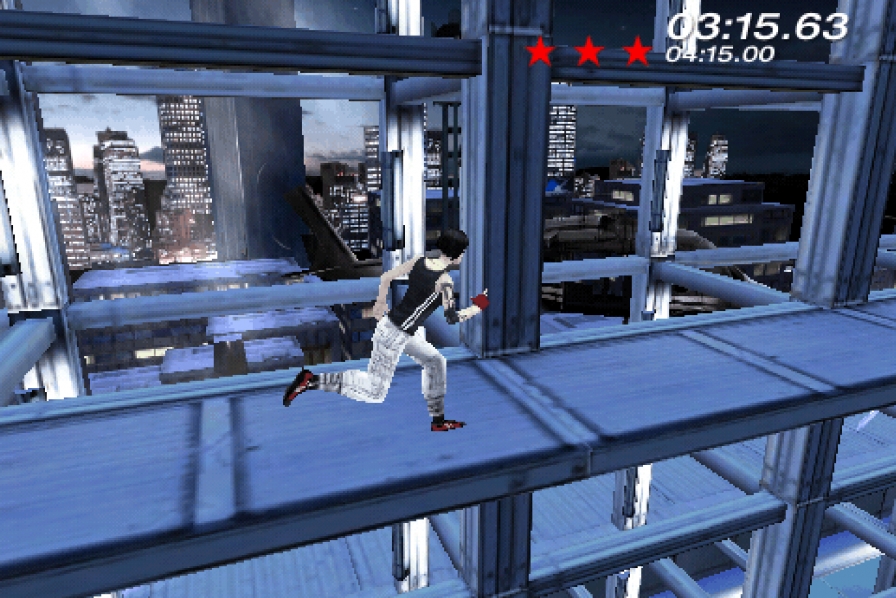
Joystiq reported on some upcoming games, they happened to mention that some of the original Click Wheel games, Song Summoner and Song Summoner 2, were coming to the iPhone soon. However Song Summoner 2 never was released for the iPod because apparently Apple has abandoned the Click Wheel game format. Perhaps this means that Apple wants to move to cheaper iPod Touches to maximize profit from the App Store but also keep the Shuffle.

The App Store still offers a big amount of iPod Click Wheel Games from the iTunes Store, but no new games have been released since Cake Mania 3 in February of 2009. Apple had introduced iPod Click Wheel Games with the release of iTunes 7 in September 2006 and a total of nearly 50 games were released over the next 2 and a half years.

These reports are not confirmed yet and so are still rumours, it may not mean that Apple are ditching the iPod Classic and iPod Nano but maybe focusing their attention elsewhere, on the Apple Tablet perhaps?

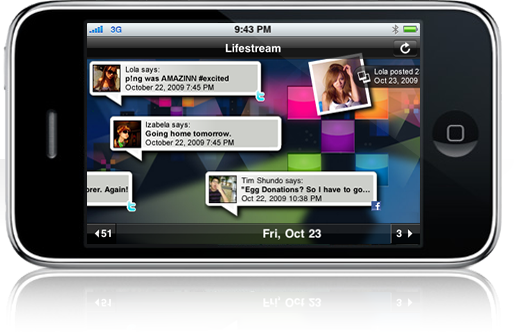
Bebo Finally Releases iPhone App

Social network Bebo, has today released their native iPhone app. Now that most major social networks have a native iPhone app it means you can spend less time on the desktop or feature-lacking mobile versions of the popular social networks.

Although it is only the first release the app doesn’t shine compared to the Facebook app which in its recent release it has really improved by vast amounts. It offers a slightly better and tweaked experience compared to that of the mobile site. With the ability to directly upload images from the phone, ability to view your time line and some other nice features it’s a step up from the mobile site. Overall the app is fine for checking your profile and uploading pictures but hopefully they integrate more of the websites functionality.

The Bebo app is free and available on the App Store now.

AdBlocking On iPhone Causing Apps To Stop Working

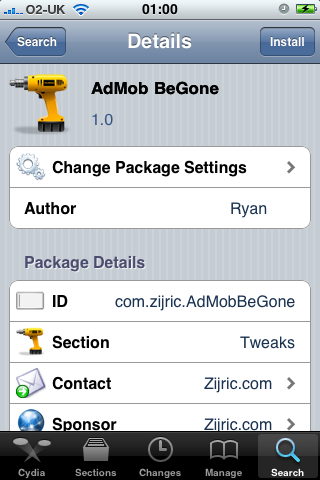
Developers of apps on the App Store worked out a way of stopping users from running cracked apps on their device but now the developer of the LockDown app on the Cydia store has stopped the application from running, if you’re blocking AdMob ad’s on the iPhone. Using the app AdMob BeGone on the device stops the app from running and requires you to remove it before it will work again.

It makes sense as LockDown is a free app from Cydia and so they rely on donations and Ad’s but will this be the beginning of all app’s doing this, or just a select few like cracked apps?


Gigabyte Fixes iPhone Sync Issue With BIOS Update

The Intel P55 Express chipset had an issue that caused iPhones unable to sync. Gigabyte has issued a BIOS update Intel P55fixing the problem. The Intel P55 is Intel’s latest midrange chipset and is for Core i5 and Core i7 machines. The other two P55 motherboards, ASUS and MSI were also affected by the bug and there is an update for ASUS BIOS but it’s not the official fix. Hopefully both ASUS and MSI quickly update the BIOS to fix the issue.

iDashboard 1.0 for iPhone Released

iDashboard v1.0 has been released by WyndWarrior, it’s an iPhone utility which mimics the widget functionality of Mac OS X.

A multi page dashboard for your iPhone! Features a world clock, a calendar, a weather widget, a working calculator, lockscreen dashboard, and double-tap Dashboard. Also will have available widget packs for download in Cydia. Customization features include: wall-papers with auto-dim and the ability to change wallpapers through the photo app.

iDashboard

Steven Troughton-Smith is developing a similar application, which is not yet released.

iPhone Dev-Team Release PwnageTool for 3.1

The iPhone Dev-Team has just released there latest jailbreaking tool, PwnageTool for iPhone OS 3.1. At the minute the Jailbrakejailbreak is for Mac only but hopefully a Windows version will be released soon.

Read More

Download (Torrent)

This release starts with PwnageTool 3.1 for Mac OS X – this application supports the iPhone 1st Generation (2G), the iPhone 3G and the iPod touch 1G. NB: THIS DOES NOT SUPPORT THE 3GS OR 2G/3G IPOD TOUCH. redsn0w for Mac OS X and Windows will follow sometime in the near future, please don’t bug us about it – we’ll release when we have something ready.

  1. GOLDEN RULE: If you are using a 3G iPhone with ultrasn0w and rely on ultrasn0w to obtain cellular service, then you should only upgrade to 3.1 with a PwnageTool created .ipsw. – Stay away from Apple’s direct updates as described here and here please get up to speed on the whole subject by reading the information contained in these posts.
  2. If you have an original iPhone (1st generation) then 3.1 unlock works with this PwnageTool release. iPhone 3G users upgrading to 3.1 will need to continue using ultrasn0w with a PwnageTool created 3.1 .ipsw
  3. Please read all parts of this post before downloading and using these tools.
  4. Read items 1, 2 and 3 again and again.
  5. At the bottom of this post are the bittorrent files for the 3.1 capable version of PwnageTool.
  6. This app is suitable for the recent 3.1 release.
  7. This version of PwnageTool will NOT work for the iPhone 3GS.
  8. PwnageTool WILL work for Original iPhone (1st Generation), Original iPod touch (1st Generation) and the iPhone 3G.

iPhone 3G & iPod Touch Can Now Edit Video

Due to the recent 3.1 iPhone OS update, the iPhone 3G and iPod Touch are now able to edit video just like the iPhone Apple Logo3GS. Both devices still can’t record video, unless jailbroken, so this may not come as a big tool for most people.

To get it to work, first you must get someone to email you a video file. Once you have it, you can open the email and select the arrow on the lower menu bar. This will give you five options: Reply, Reply All, Forward, Save Video and Cancel. Once you select Save Video, the video will get saved to your Camera Roll.

Go to the Camera Roll and select the video, you are then able to watch the video and edit it. To edit a video, tap on the timeline at the top of the page, you can then drag your finger to the start and end points on the video. When you select trim, you then have the option to trim the original video or save the trimmed potion as a new clip.

iPod Updates At September Apple Event

Steve Jobs made his return today on stage, to announce an update on all iPod models. However the rumors did not all Special Edition iPod Shuffleturn out to be true, as there was no iPAD and no camera for the iPod Classic or iPod Touch, however the news about the delay in manufacturing the new iPod Touch device seems like they might announce a camera model later.

iPod Touch

The iPod Touch got a minimal update, however there is still maybe hope for the camera model. But all Apple announced was a size increase, up to 64GB; and a price drop which will be a good thing for the iPod market.

8GB – £149 / $199
32GB – £229 / $299
64GB – £299 / $399

iPod Classic

The iPod Classic was also rumored to get a camera, however it didn’t happen but they have made the device slimmer and also bumped up the memory but kept the price.

160GB – £189 / $249

iPod Nano

iPod Nano now has a VGA camera capable of shooting H.264 video at 30fps, just like the iPhone 3GS. It’s still comes in 8GB and 16GB models and in the usual array of colours. It has a larger 2.2 inch screen and comes with a microphone and speaker.  And now has the VoiceOver feature like the shuffle does. It has a FM radio tuner now also built in and a voice recording app, exactly like the iPhone’s.

8GB – £115 / $149
16GB – £135 / $179

iPod Shuffle

The iPod shuffle has now got new colours: pink, green, blue, black and silver. And a special edition model.

2GB – £45 / $59
4GB – £59 / $79

New iPod Nano 5th Gen With VGA Video

iPod Nano 5th GenAt Apple’s ‘It’s only rock and roll’ event today they announced the latest update to the iPod selection, the new iPod Nano.

Not much has changed in the way of the appearance, it’s still the curved slim candybar type of design however now it has a video camera. Now you might think that the Nano is such a small device that the quality of the video would be terrible, but as many people forget the Nano has the same processor as the iPhone and so is capable of VGA H.264 at 30fps.

To enhance the video the new Nano comes with an array of built in effects: Sepia, Black and White, X-Ray, Film Grain, Thermal, Security Cam, Cyborg, Bulge, Kaleido, Motion Blur, Mirror, Light Tunnel, Dent, Stretch and Twirl.

It’s still comes in 8GB and 16GB models and in the usual array of colours. It has a larger 2.2 inch screen and comes with a microphone and speaker.  And now has the VoiceOver feature like the shuffle does. It has a FM radio tuner now also built in and a voice recording app, exactly like the iPhone’s.

8GB – £115 / $149
16GB – £135 / $179