How To: Disguise An App

So let’s say you have an App on your phone that you really need, but other people would keep going on it and you don’tDisguise App really want them using it or seeing what it is. Well there is a simple way to disguise an app on your iPhone as anything you want.

Let’s say the app we want to hide is Cycorder.

Getting Started

First of all you have to SSH into your device and go to your Applications folder and open the relevant folder, in this case being Cycorder.app.

Once this is opened you will see the following files:
Cycorder
icon.png
info.plist
loading.png

Note: these will vary on application, but the files needed will remain the same.

Now copy the files icon.png and info.plist to your computer.

Before editing either it’s a good idea to backup the files just in case you go wrong.

Editing The Icon

People using the iPhone will most likely use icons to refer to an app, so changing the icon of the app you wish to hide is the first thing to do.

First you need to get the icon from another app or you could make one yourself. Simply pressing the Home button and Sleep/Wake button will capture a screen shot of your home screen and you edit the icon to the correct size etc.

Note: Always save the icon as a png image and make sure it’s transparent.

Downloading a free app off the App Store would maybe be a better idea for this as it gives you a quick and disposable way to disguise an app. However think about if people are likely to click on it, so find something boring.

Once you’ve edited and saved your new icon, save it as a png and copy it back to the app folder on the iPhone, replacing the original.

Changing The Name

The second way people will know which app is which, is via the name underneath the icon (which by now you will have changed).

To change the name simply open the plist either using a text editor or a dedicated plist editor such as iPodRobot’s plist editor.

Look at the plist and find the tag called
<key>CFBundleDisplayName</key>

and change the value below it what you wish the app to appear as on the home screen.

Once this is done, save the plist and copy it back to your device, overwriting the old one.

Now re-spring or re-boot your device and the application will now be disguised.
Grand Theft Auto: Chinatown Wars Coming To iPhone

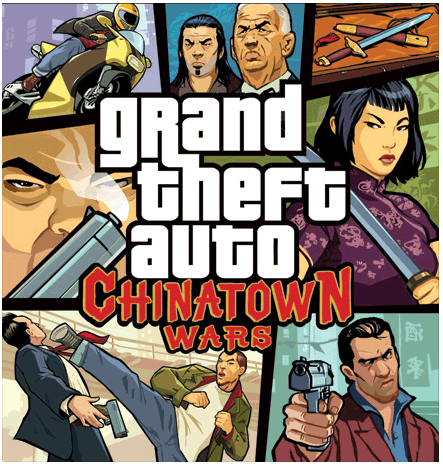
Rockstar Games have announced that Grand Theft Auto: Chinatown Wars, from Rockstar Leeds, is coming to iPhone Grand Theft Auto: Chinatown Wars iPhoneand iPod Touch later this year. The award winning game is making it’s way from the Nintendo DS to the PSP platform and now the iPhone & iPod Touch.

“Chinatown Wars is a perfect match for the iPhone and iPod touch,” said Sam Houser, Founder of Rockstar Games. “We are very excited to bring this incredibly ambitious version of Liberty City, with this level of detail and immersive gameplay on Apple’s new gaming platforms.”

The game follows the story of Huang Lee, a young Triad who travels to Liberty City after the mysterious death of his father. Players will navigate their way through the streets as they uncover the truth behind an epic tale of crime and corruption within the Triad crime syndicate, delivering the unprecedented amount of depth that has become a true trademark of the Grand Theft Auto franchise.

Apple’s September 9th Event Confirmed

Apple Setember 9th Event

Apple has sent out invitations to their annual music event on September 9th, with the tag line “It’s only rock and roll, but we like it”. The rumours of the past few months have been centered around this event as this is when usually the iPod’s are refreshed.

We can tell from the image that it’s based around the iPod refresh as the silhouette dancer is holding an iPod. The event is to take place at Yerba Buena Center for Arts Theatre, San Francisco at 10AM PST. There is no confirmation on who will be holding the keynote, maybe Steve Jobs?

There are so many rumors for this upcoming event at least some must be true. We have rumors of a camera enabled iPod Touch and iPod Nano and possibly iPod Classic. Some believe that an Apple Tablet will be released or at least announced however this seems a bit less likely.

iPod Classic (7th Generation) To Get Camera?

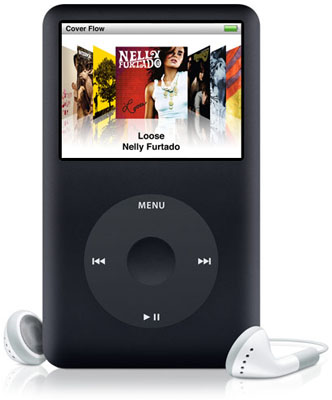
As the rumors of the upcoming camera equipped model continue to appear, a recent report by Digitimes claims that Apple iPod ClassicOmnivision, one of the suppliers for the CMOS sensors in the iPhone 3GS, will be supplying new 3.2 megapixel CMOS image sensors for the new iPod line-up as well.

This seems to validate prior rumors of the a camera equipped iPod Touch and iPod Nano.

Quote:
OmniVision will be the sole supplier of 3.2-megapixel CIS products for new iPod nano, iPod classic and iPod Touch models which will be launched in September, the sources indicated.

This rumor seems quite legitimate as we’ve seen photos and even video of the iPod Touch with a camera.

Is This The 3rd Gen iPod Touch?

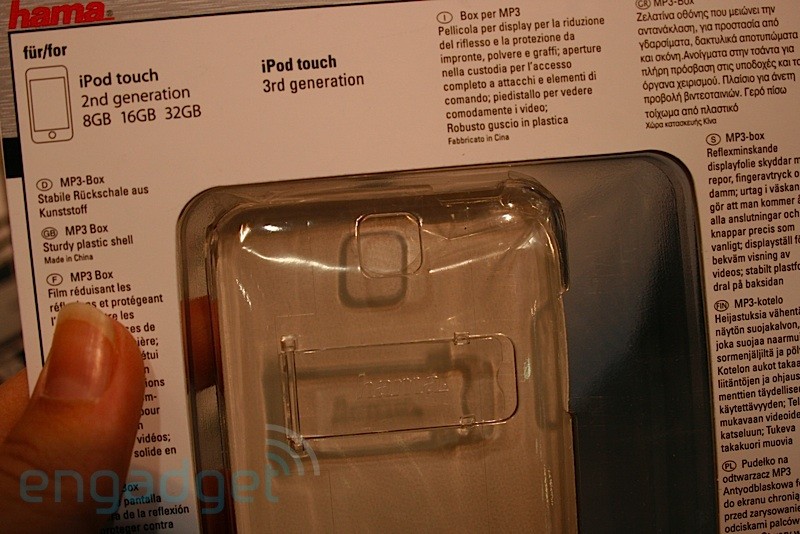
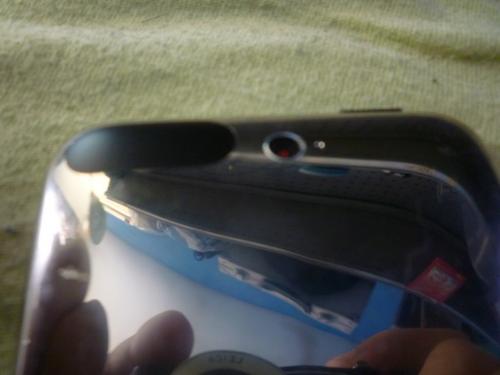
Over the last few days multiple photographs, some fake and some real, along with video footage appear to show what can only be described as the 3rd generation iPod Touch device. If the images are in fact real, which some have been proven not to be, then the new iPod Touch will have an in-built camera as previously rumored. If this is true then it’s taking away even more from the differences between the iPod Touch and iPhone.

As we know from the iPhone Video or iPhone Video iChat rumors, we know that they can easily be faked and some images were done very convincingly so take all pictures with a pinch of salt.

iPod 3rd Gen 1

iPod 3rd Gen 4

But if you don’t believe the photos that have been posted then a video has been published which shows the same device with the camera. This makes it a lot more authenticated and less likely to be a fake.

Video Link

Numeric Battery On iPhone Killing Battery Life?

There has been many reports that enabling the numeric battery feature on the iPhone actually kills the battery life Apple Logoquicker. Some people have reportedly found a massive increase in battery life after turning off this simple feature. Especially those with jailbroken phones who use SBSettings to turn on the feature.

Some people oriignally thought the battery died quicker, but thought it was a psychological thing and that you thought it was as you could see the percentage go down. However I’ve now turned off the numeric battery for good and hope I get better battery life as currently it’s not lasting a whole day with light use.

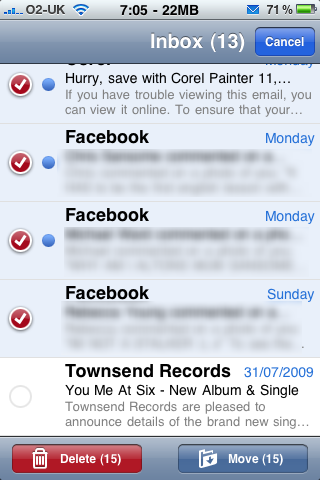
Re-Appearing Mail From Yahoo! Mail?

I’ve been experiencing this problem a lot lately as every few days even after I’d deleted some email pushed to me from Yahoo LogoYahoo! Mail, it would re-appear a few days later saying it had been unread.

I’ve been trying to think of a cause of this, it could be that when I delete mail I don’t give it long enough for it to sync back with the server; but it runs as a background process so surly it can, right?

Or maybe it’s a problem with Yahoo! Mail, which it could be but I’ll be testing out some things to test it and see if I can work all this out as it’s not convenient finding 10’s of emails re-appear.

Re-Appearing Mail

Apple Seeds iPhone OS 3.1 Beta 3 To Developers

Apple has released iPhone OS 3.1 Beta 3 (build 7C116a) and the iPhone SDK 3.1 Beta 3 (build 9M2808) to developers. So far there are no interesting developments that have been found, though it is suspected that Apple might be implementing tools for use in Augmented Reality applications that require the ability to overlay real-time downloaded data on top of live video.

iPhone OS & SDK 3.1 Beta

The new features include:
• Copy and paste videos. There is a 15 MB limit for copying/pasting videos or images.
• Tethering Counter – If you go to Settings -> Genral -> Usage on your iPhone, you’ll notice Tethering data which shows how much tethering you’ve used.
• Springboard Icons – When you hold down the Springboard icons they no longer vibrate.
• Baseband Updated – The baseband has been updated to 05.11.04.
• Camera API Additions.